Personal billing
The key spends against the individual account. This is useful when a user is experimenting independently or needs separate cost ownership.
Teams let organizations centralize credits, group authorization, and member access. This page explains the operational model so teams know what becomes shared and what stays per-user.
Teams introduce shared billing and shared operational control, not just shared visibility.
A team can centralize credits, invite members, manage shared groups, and let owners review usage from one place.
That means team setup is not just an access convenience. It changes who pays, which groups members can use, and how member activity is governed.
The UI supports team onboarding as an application flow, followed by an active team dashboard after approval.
Provide the team name, expected member count, and the usage context that helps the review process.
A team may stay pending until review is complete. After approval, the team dashboard becomes the main workspace for owners.
Define the group access the team wants to expose before inviting many members.
The distinction matters when teams decide whether a key should spend from the user account or from the team account.
The key spends against the individual account. This is useful when a user is experimenting independently or needs separate cost ownership.
The key spends against the team account and uses the team-managed group authorization model.
A team key can inherit the team's operational guardrails, while a personal key can remain intentionally separate.
Member management combines invitation, usage oversight, and optional spend controls.
Owners can invite members by email from the team dashboard.
Use member-level limits when the team wants a clear budget boundary for a particular user or function.
Team usage panels help owners understand where credits are going before cost surprises accumulate.
Reserve space for the team dashboard, member management, and team usage views.
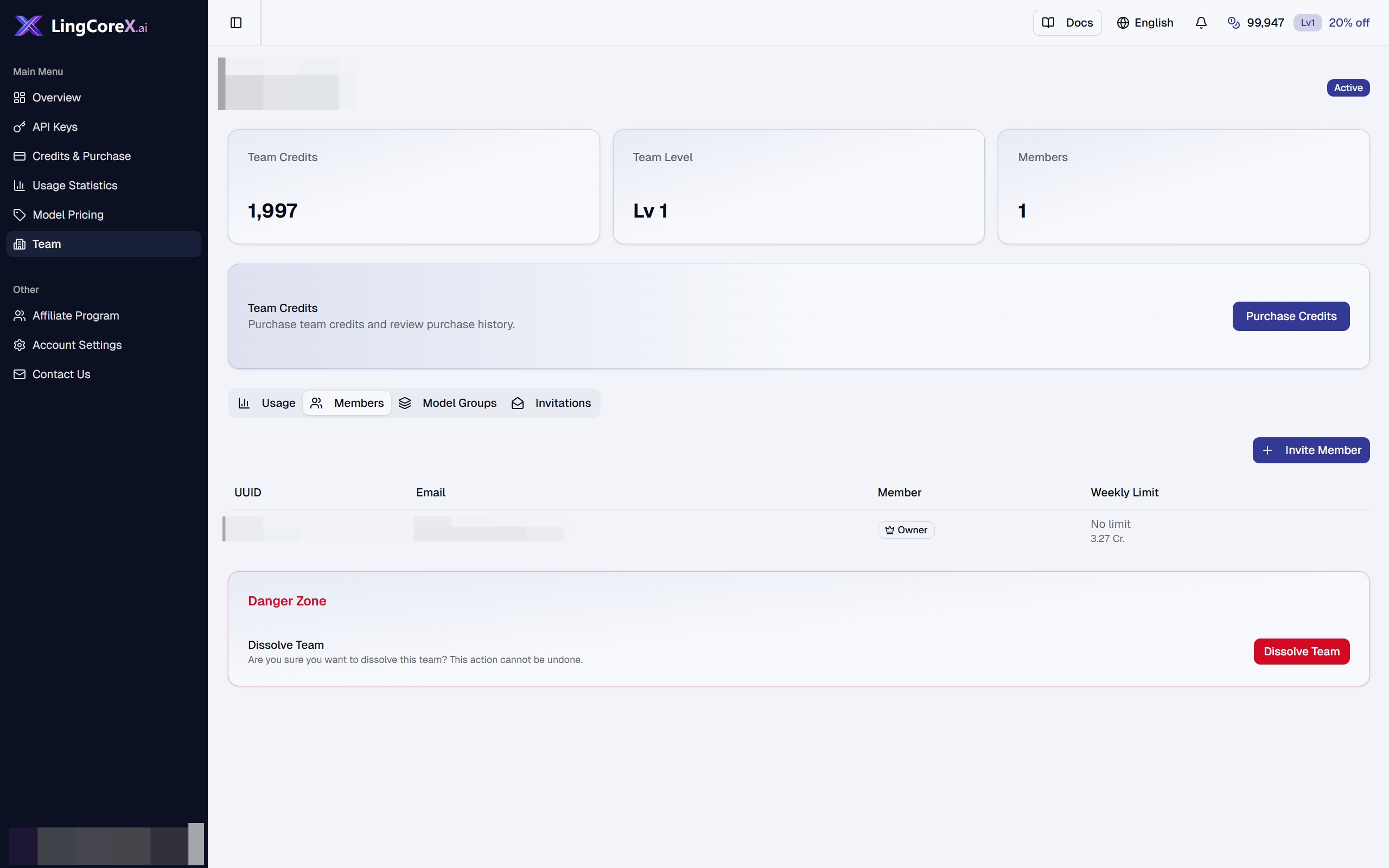
Shows the team dashboard summary cards and member management context.
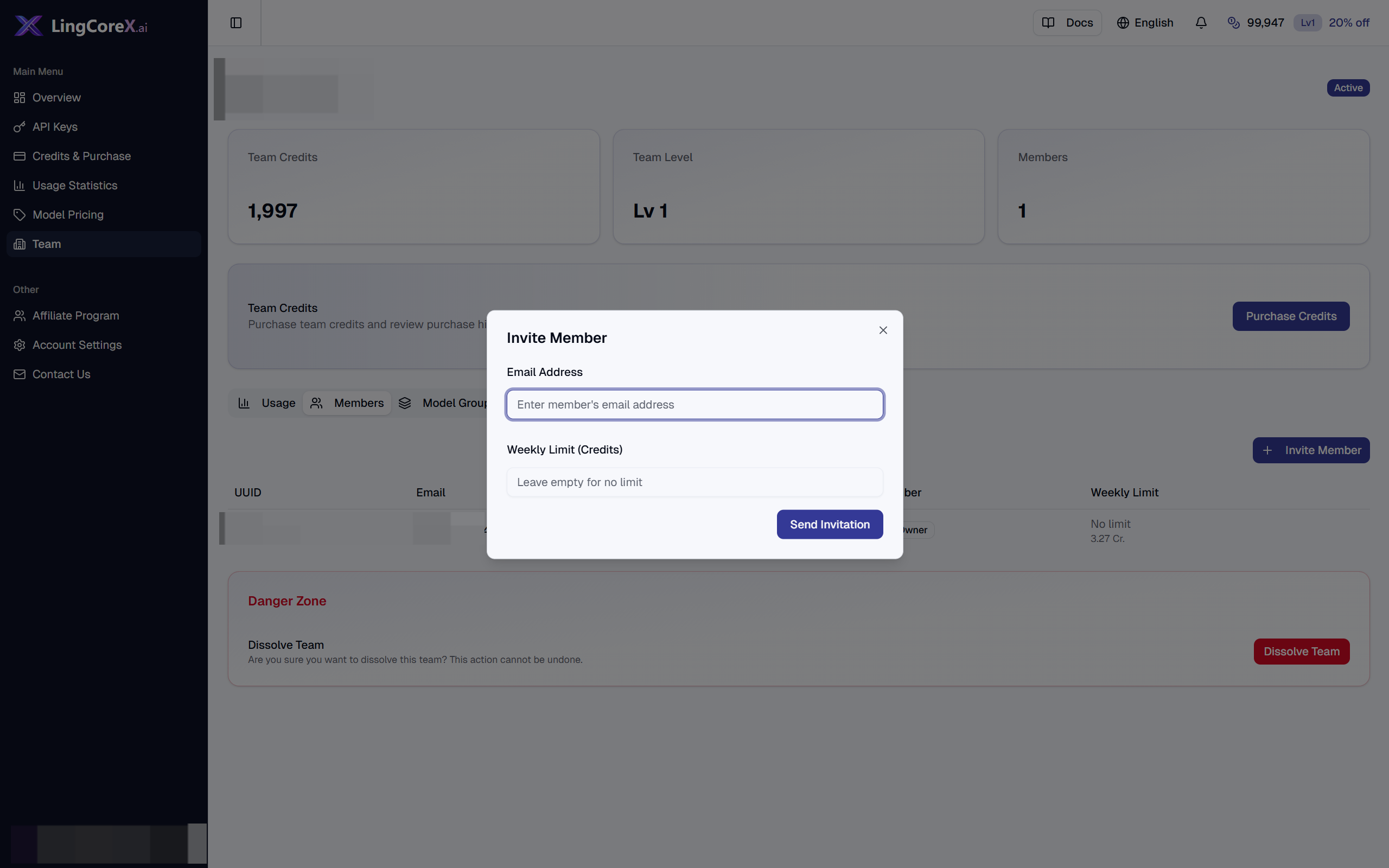
Shows the invitation flow for adding a team member and setting an optional limit.
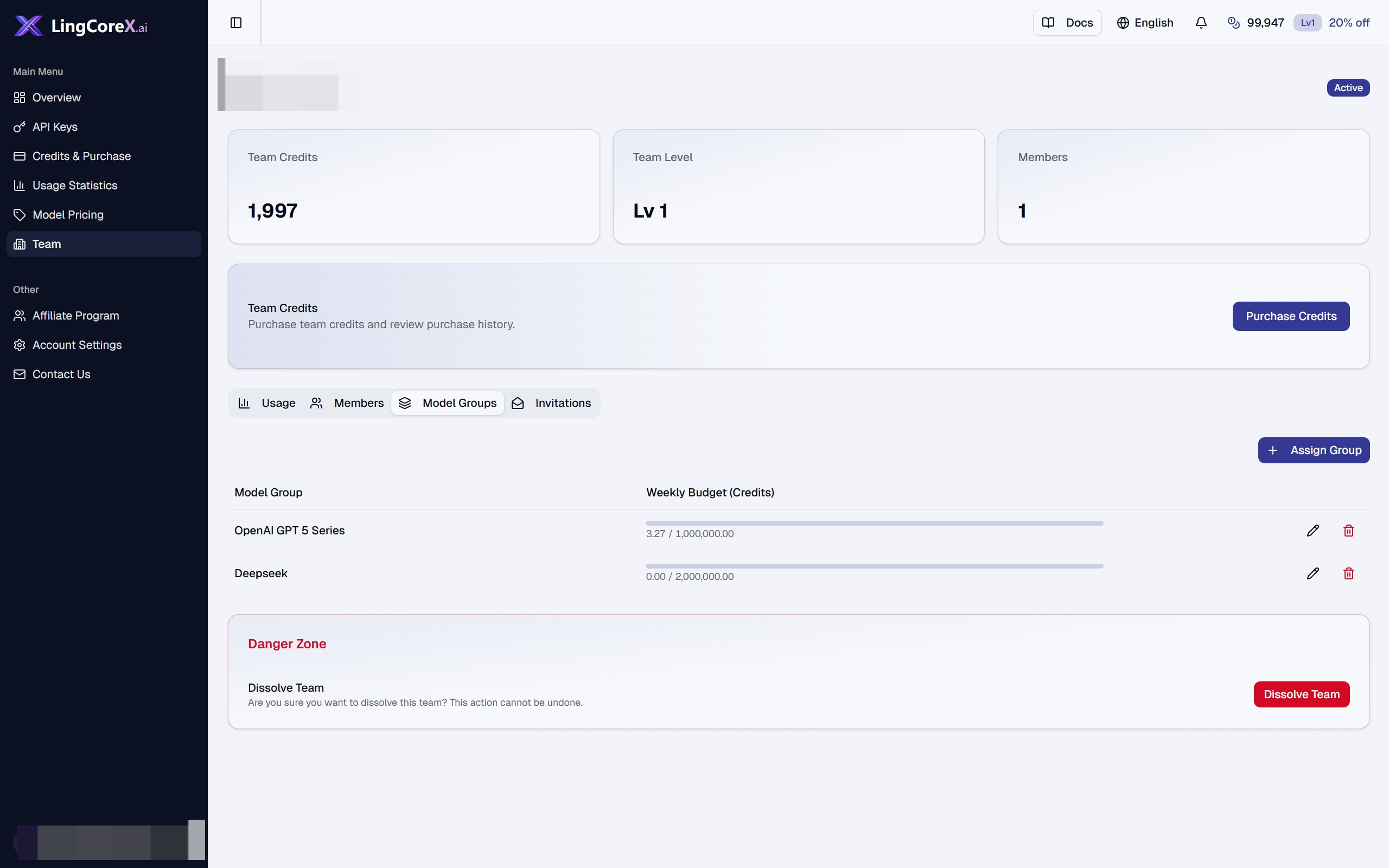
Shows the team's model group bindings and group authorization state.
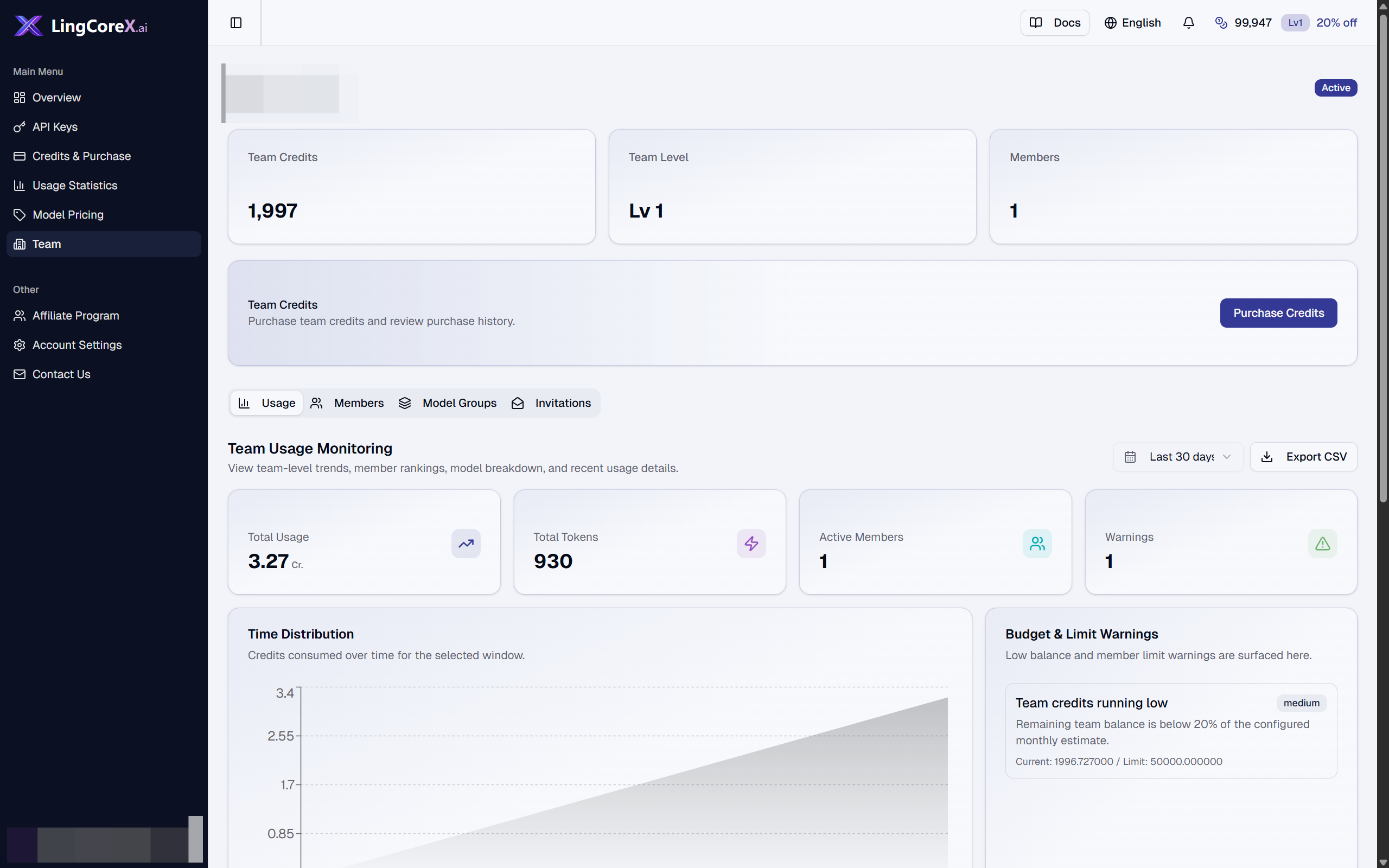
Shows team-level usage and spending context for owners.